

Frequently Asked Questions
This guide outlines the process for obtaining a license key from Blue Precision Technologies for use within the BPT application ecosystem, aligned to your deployment scenario.
It includes:
How to Install BPT Make Custom Apps
To request a BPT App License Key for any Custom Make App, follow these steps.
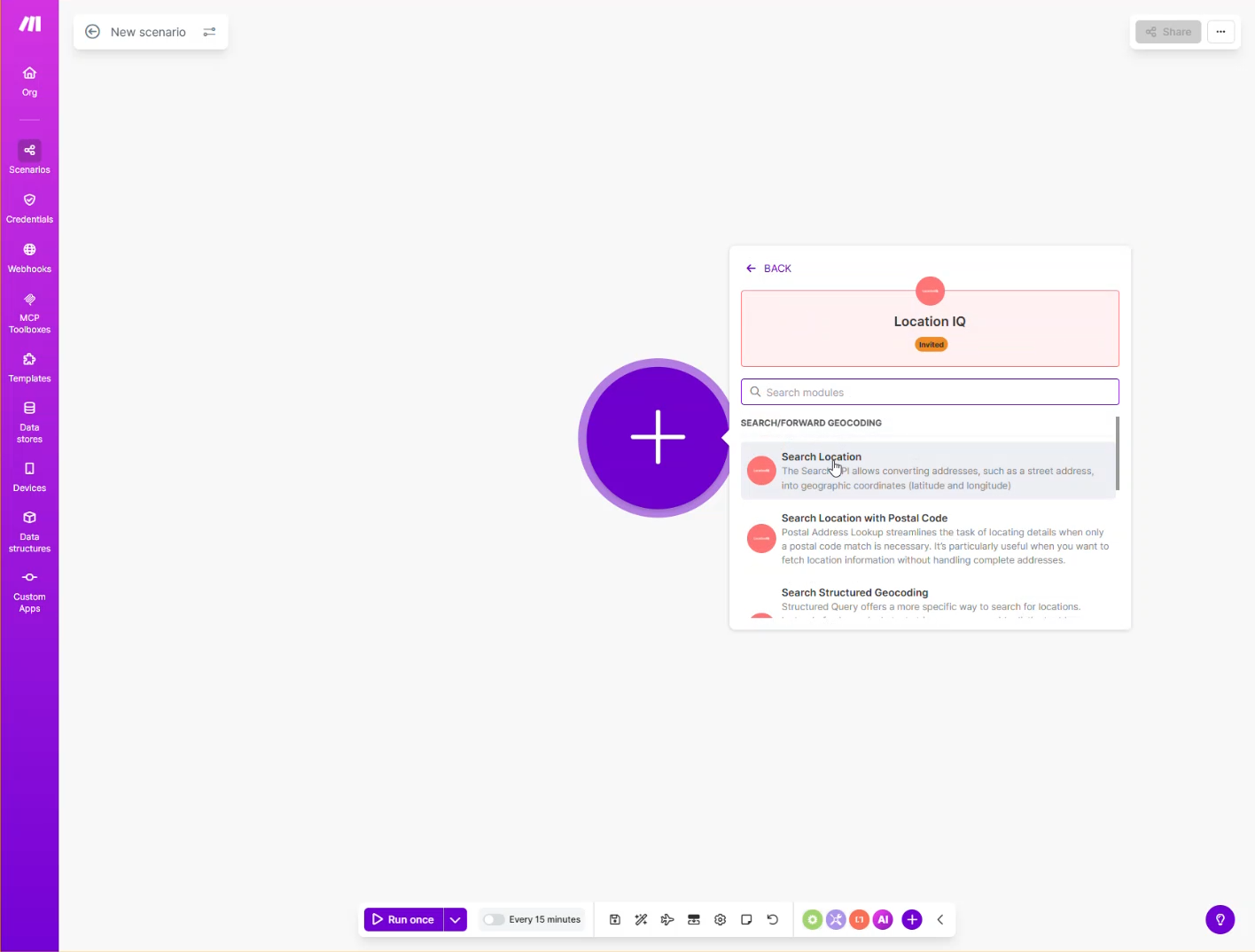
Create a new scenario
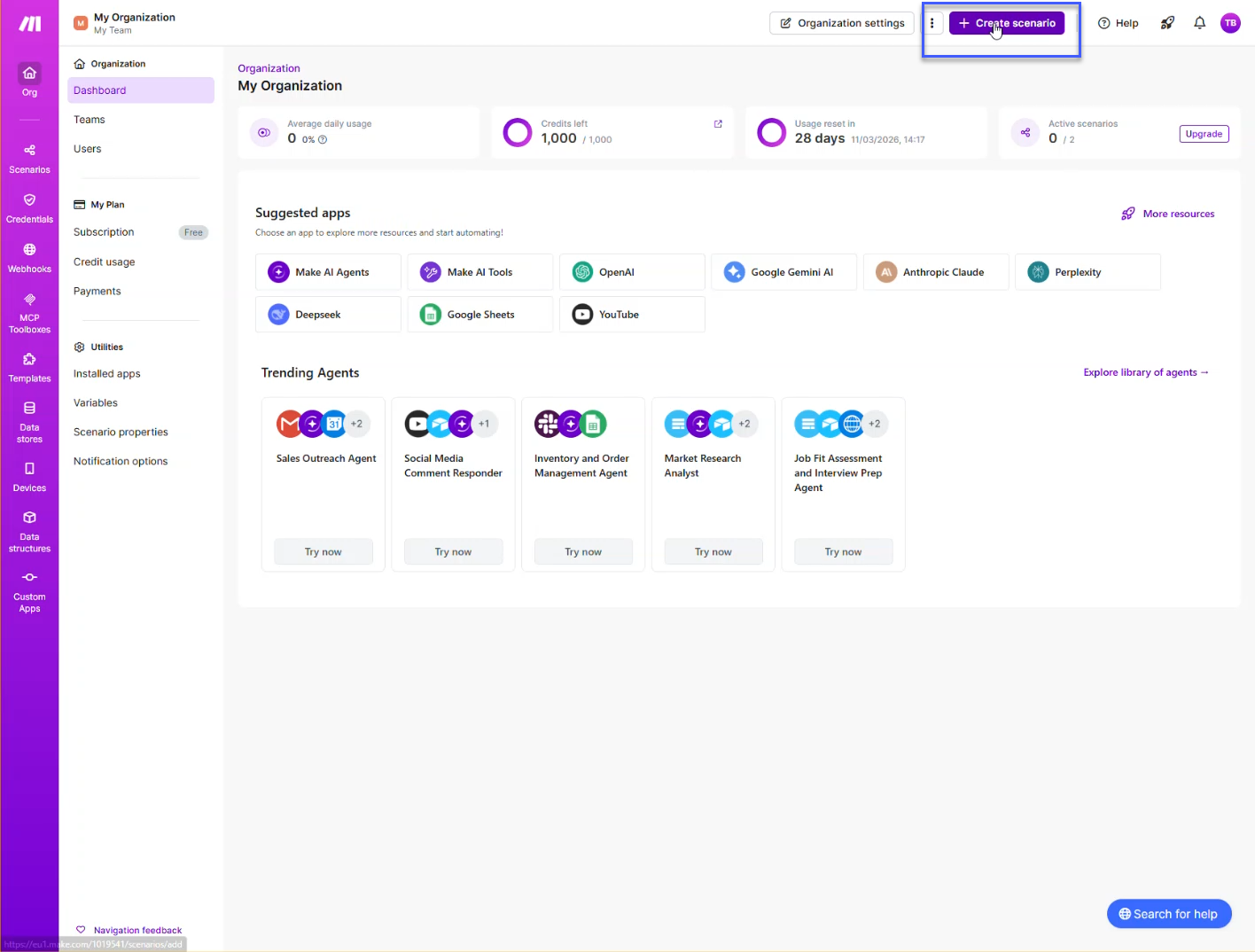
Choose a Blue Precision Technologies app. All available apps are listed here . The example uses the Location IQ app.
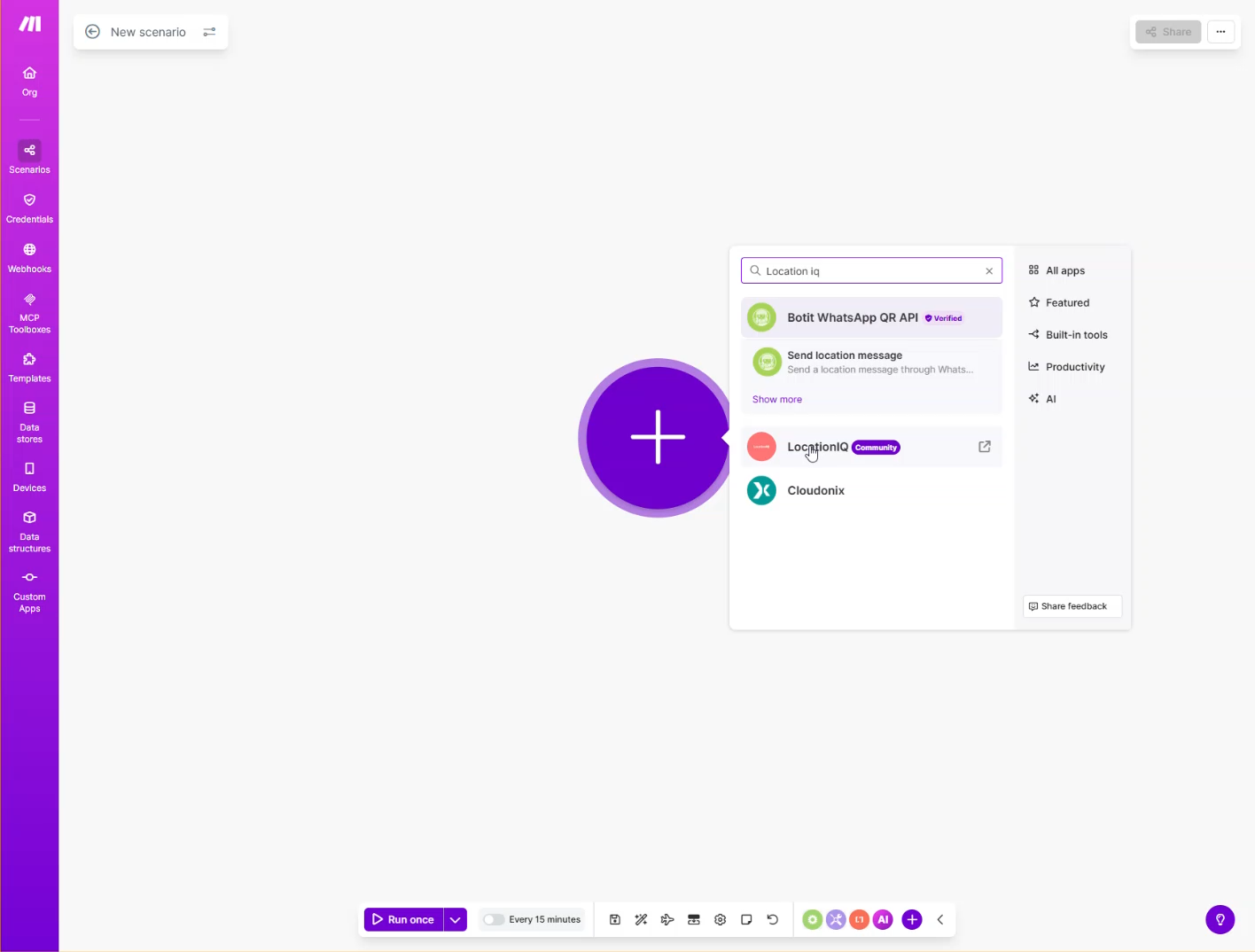
Clicking the app opens a new tab to its Make page, allowing installation. As shown below:
Click Install to add the app to your Make instance.
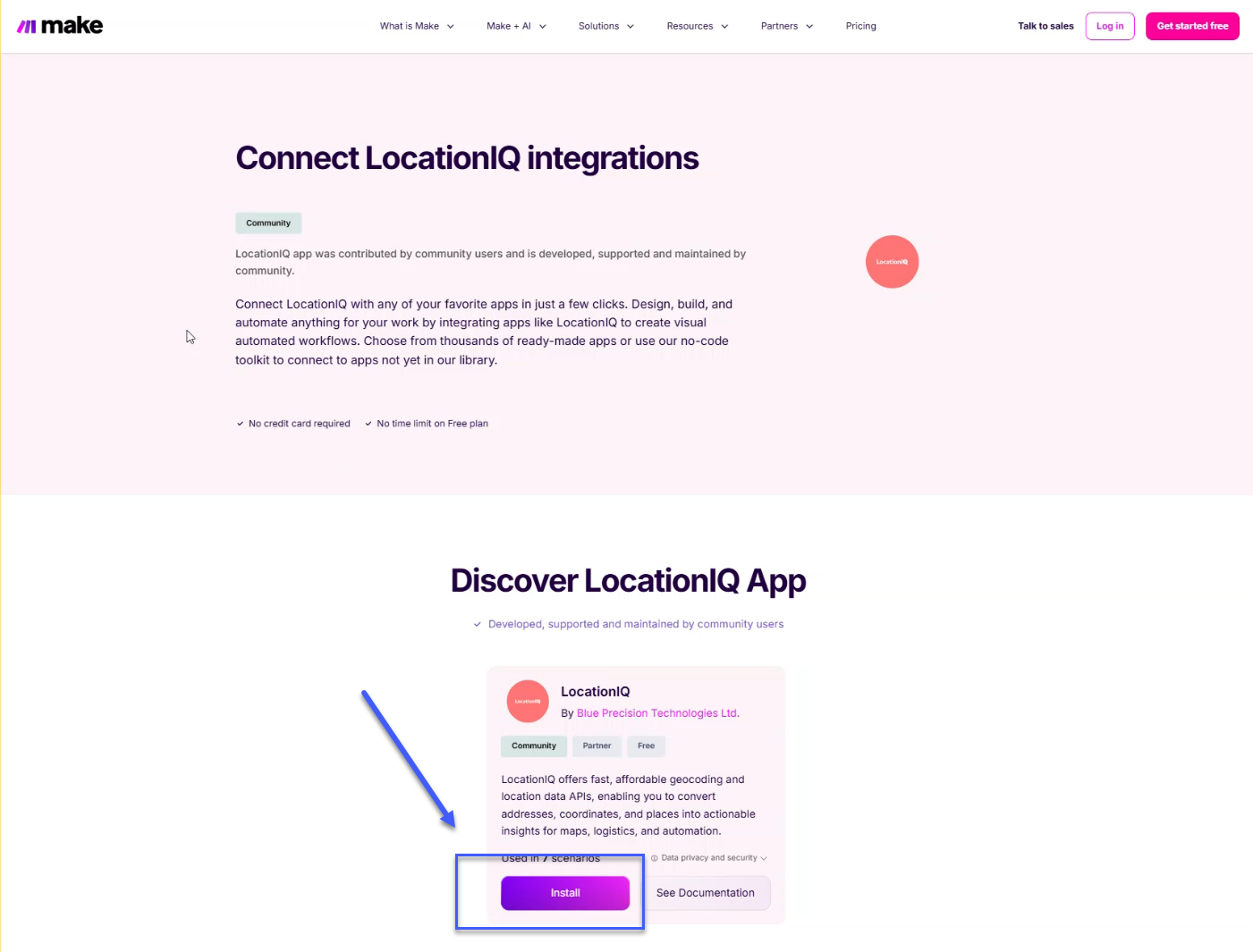
A prompt will ask you to continue installing the chosen app. Click continue to proceed to the app page.
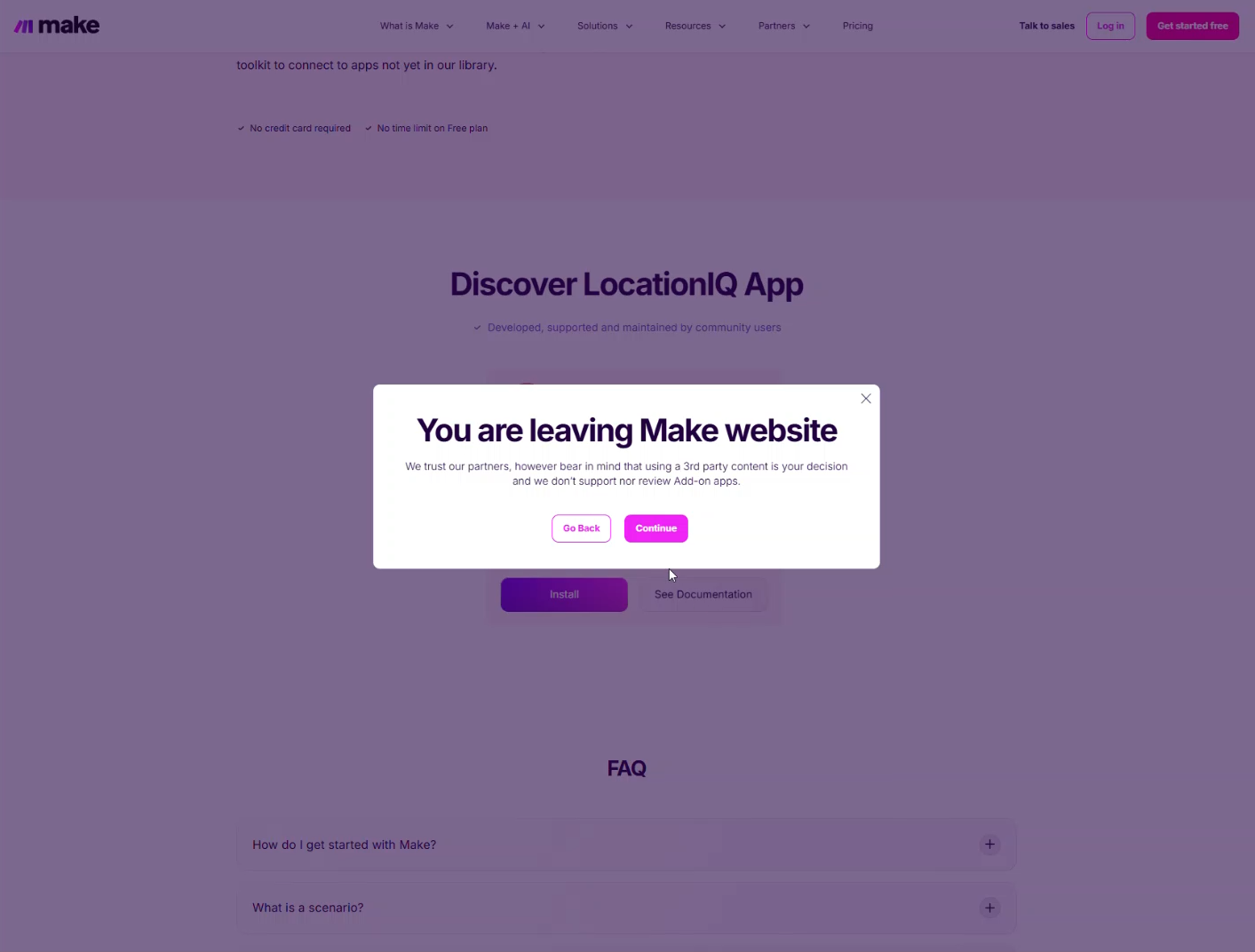
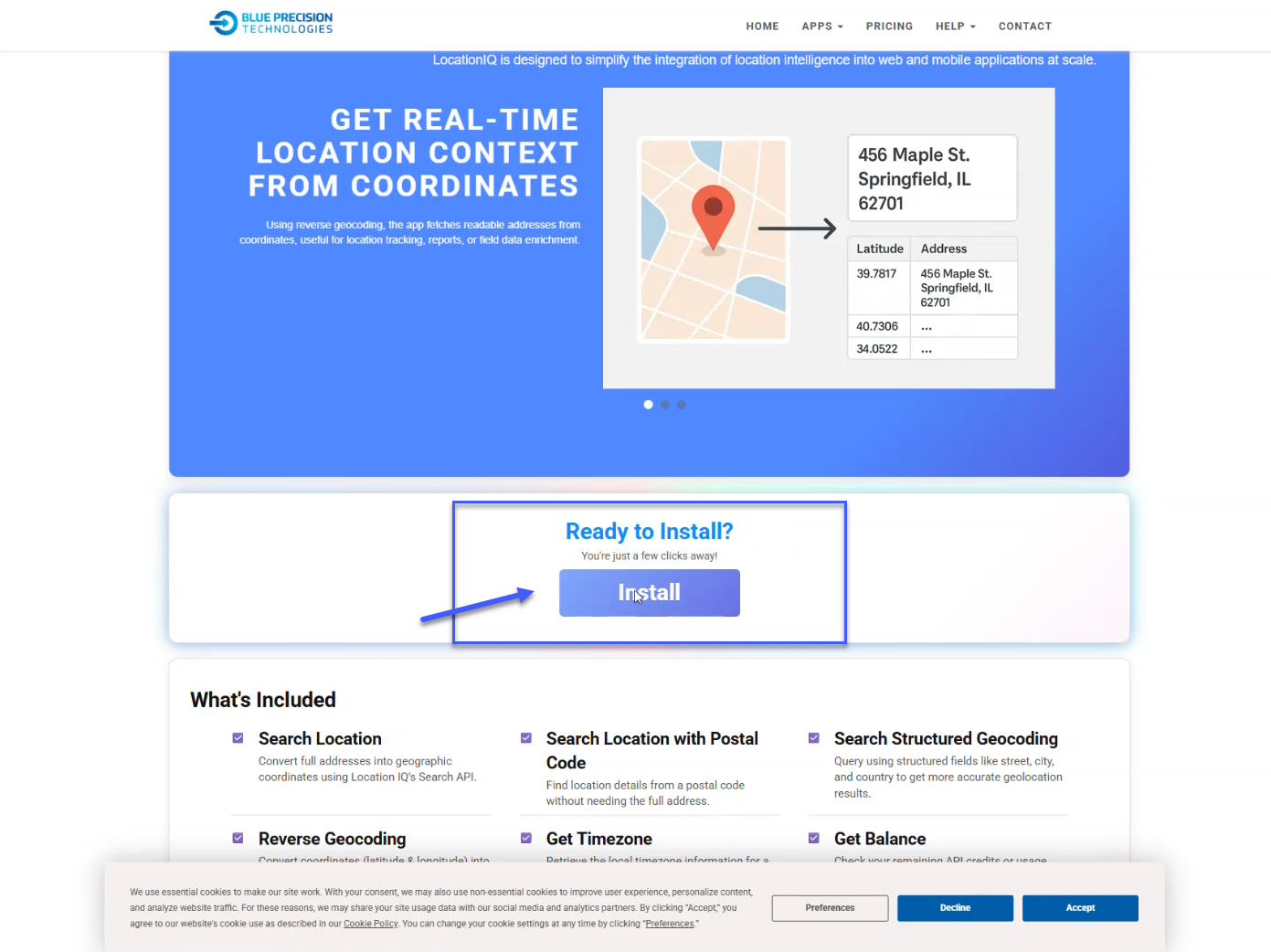
The app page details the app’s functions and included modules.
Click install to continue.
You are prompted to proceed with installing the chosen app. Click continue to be directed to the app installation page
Once on the app page, it will tell you what the app does and what modules are included with the module that you are about to install.
Click on install to continue the process
This will take you back to Make to continue the process, which then will allow you to install the app.
Click on install to complete the process
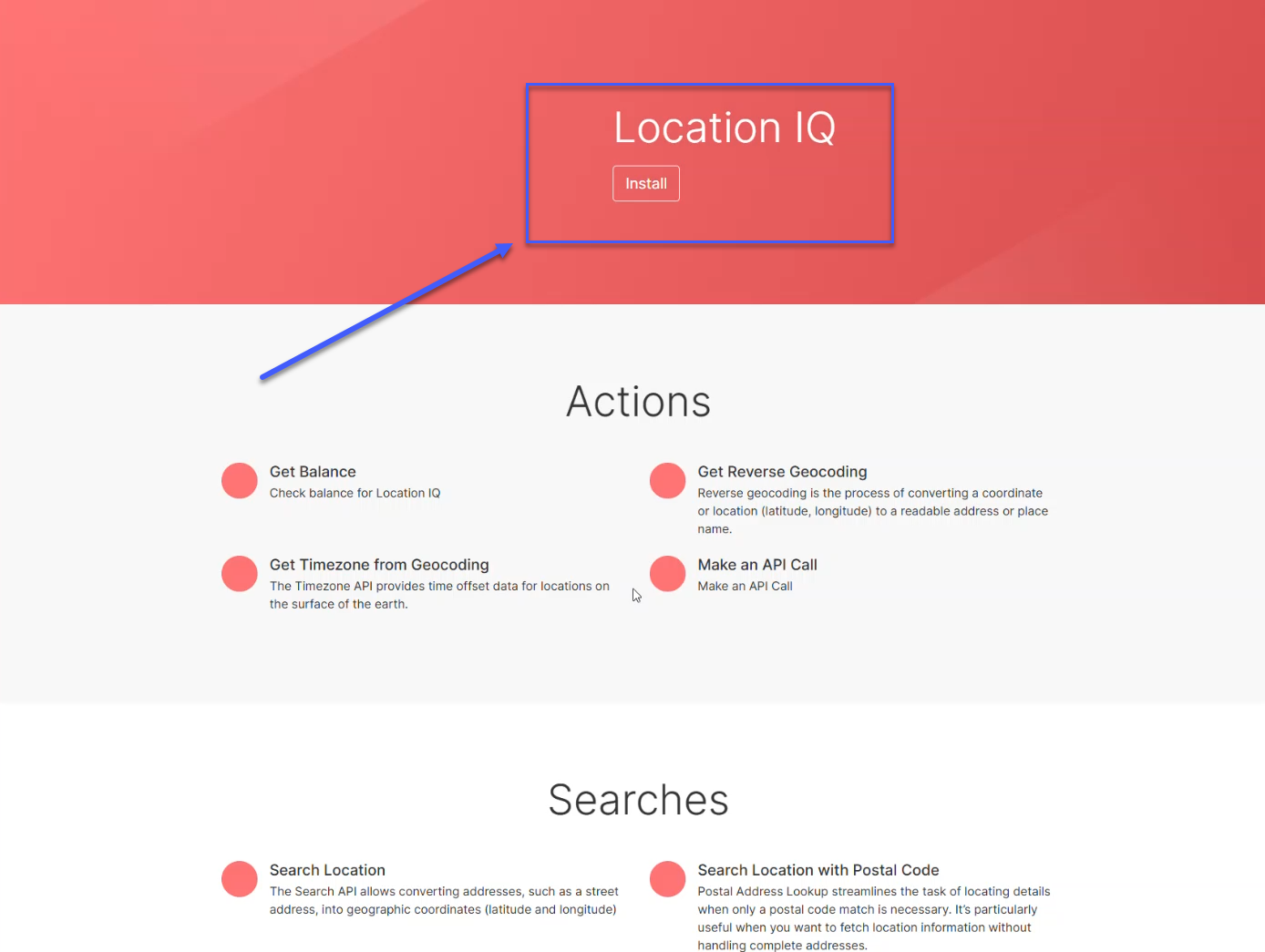
Choose the Organisation you would like to install the app on.
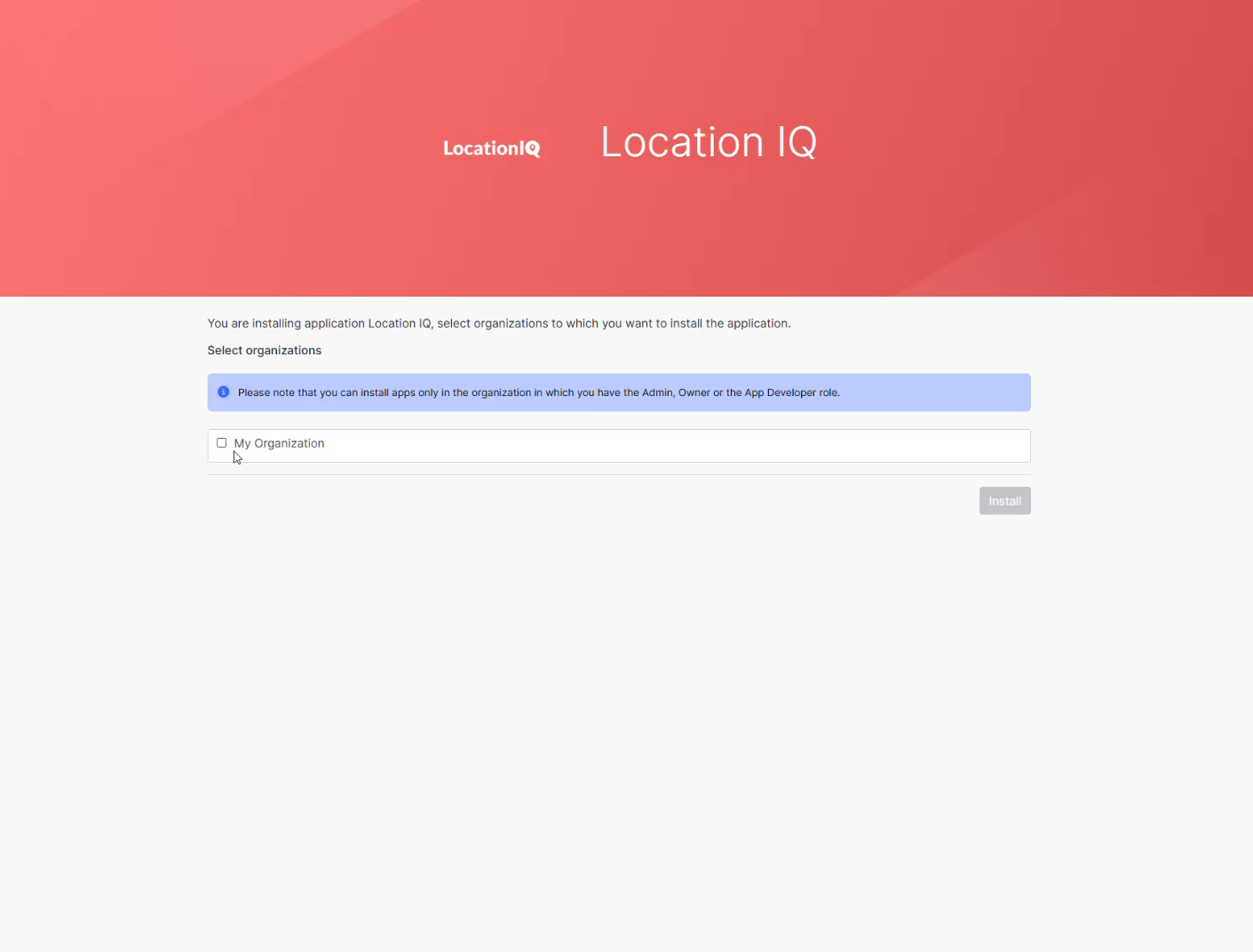
Finish the installation Process by clicking on Finish wizard
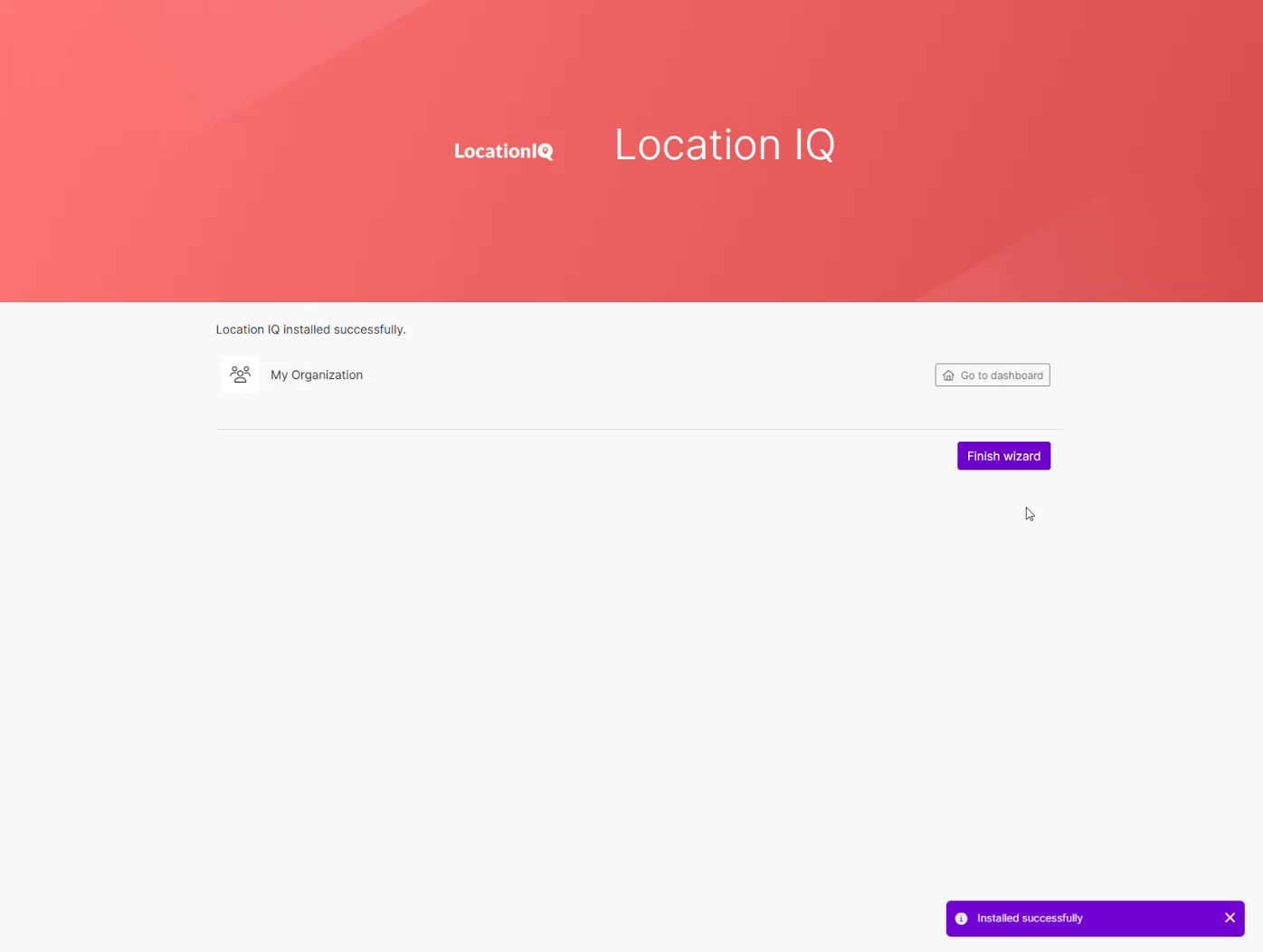
Once completed, the app should be installed, and you can then create a new connection
How to Request for a BPT App License Key?
After installing the app from our website or the Make search apps list, you must request a license key to use the app. To do so you would need to first to
Click on Create a connection to first proceed with accessing the app.
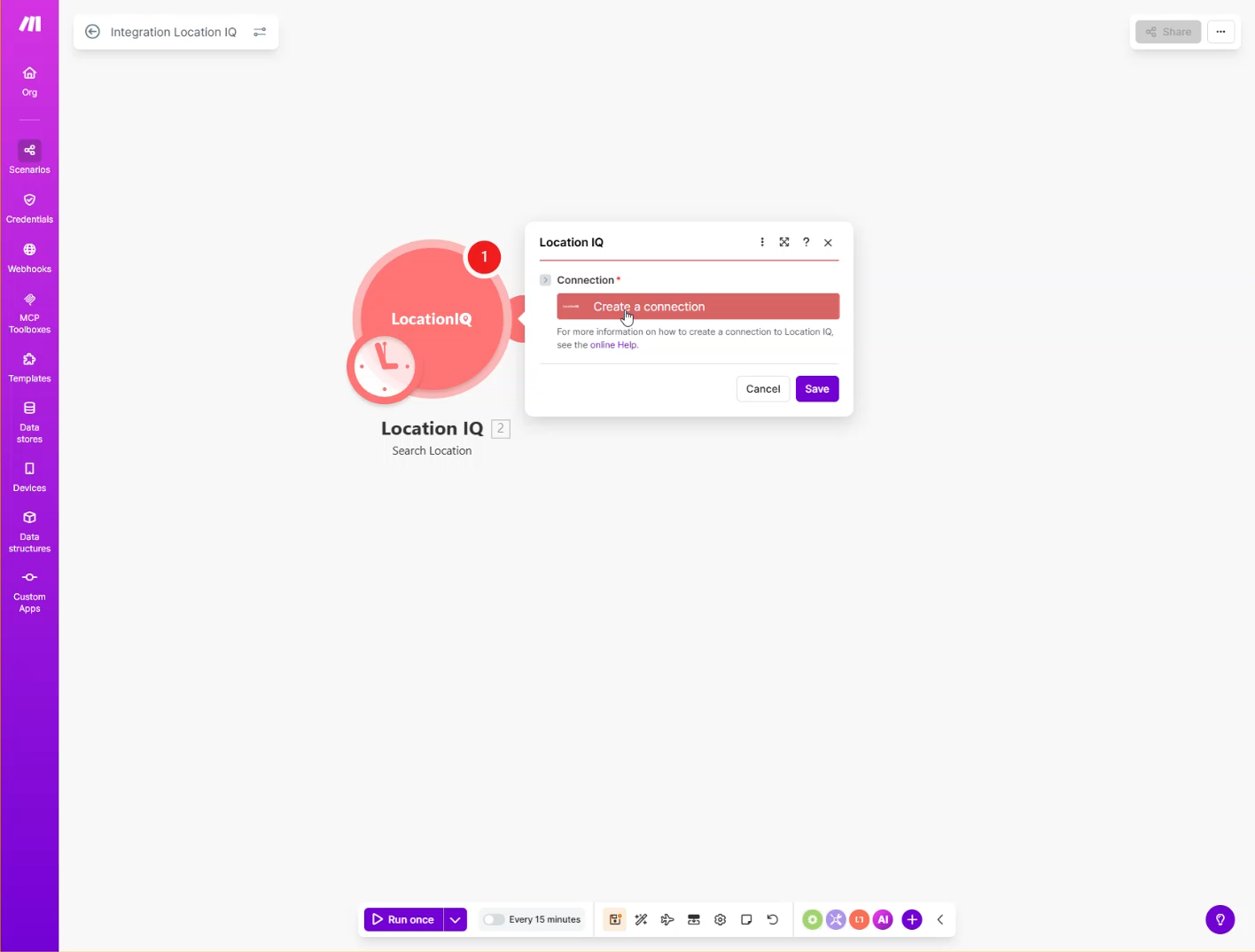
It will then show a form with fields that will need to be added to proceed, with one of which is the BPT App License Key, and the others for the specific app that you want to install, such as tokens or Usernames & Passwords. To request an API Key, click on Go to App
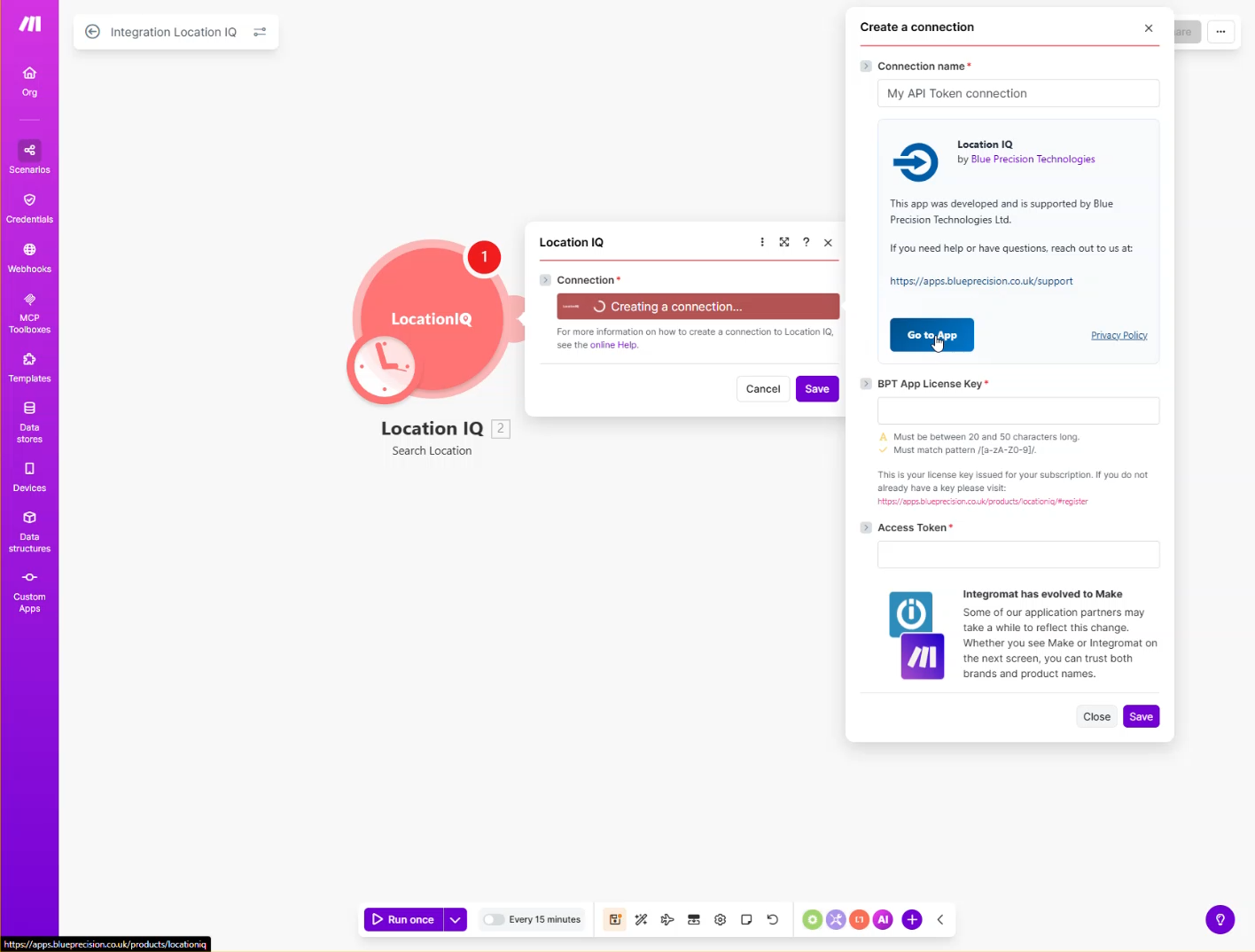
This returns you to the app page, as when you installed the Make custom app. Scroll to the bottom and select your preferred subscription options.
Starter
- Free for life for selected apps
- Limited to 1,000 operations
Advanced
- Covers more apps, including in the Starter Bundle
- Allows up to 100,000 operations
Proactive Support
- Includes any app in our range, excluding any of our enterprise offerings
- Allows up to 1,000,000 operations (depending on your tailored solution)
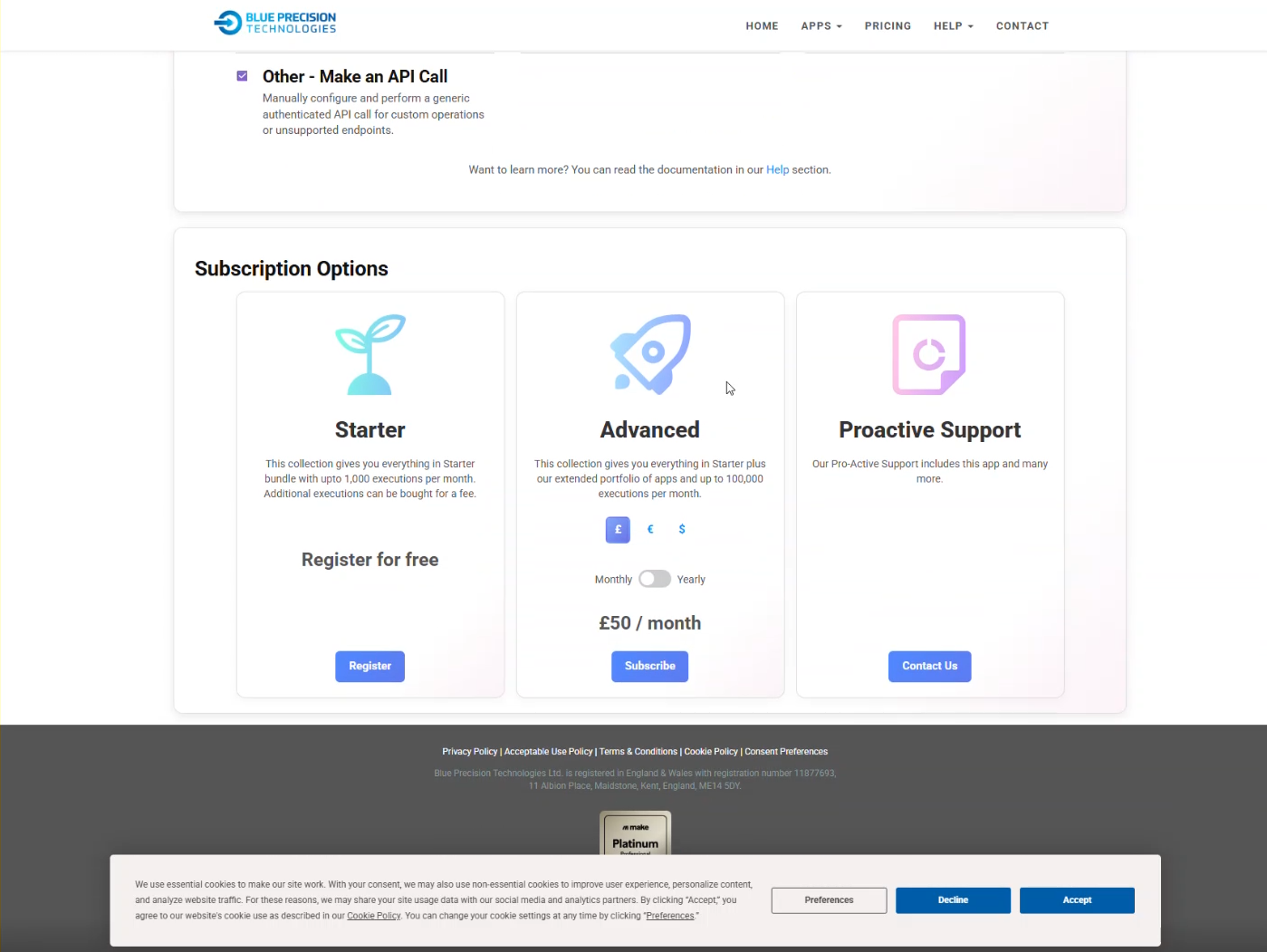
 Some apps are NOT part of the starter bundle and are strictly either advanced or part of a Proactive support contract for more information.
Chose the plan that best suits your needs:
- If you selected the Starter bundle:
You will be directed to the starter bundle form
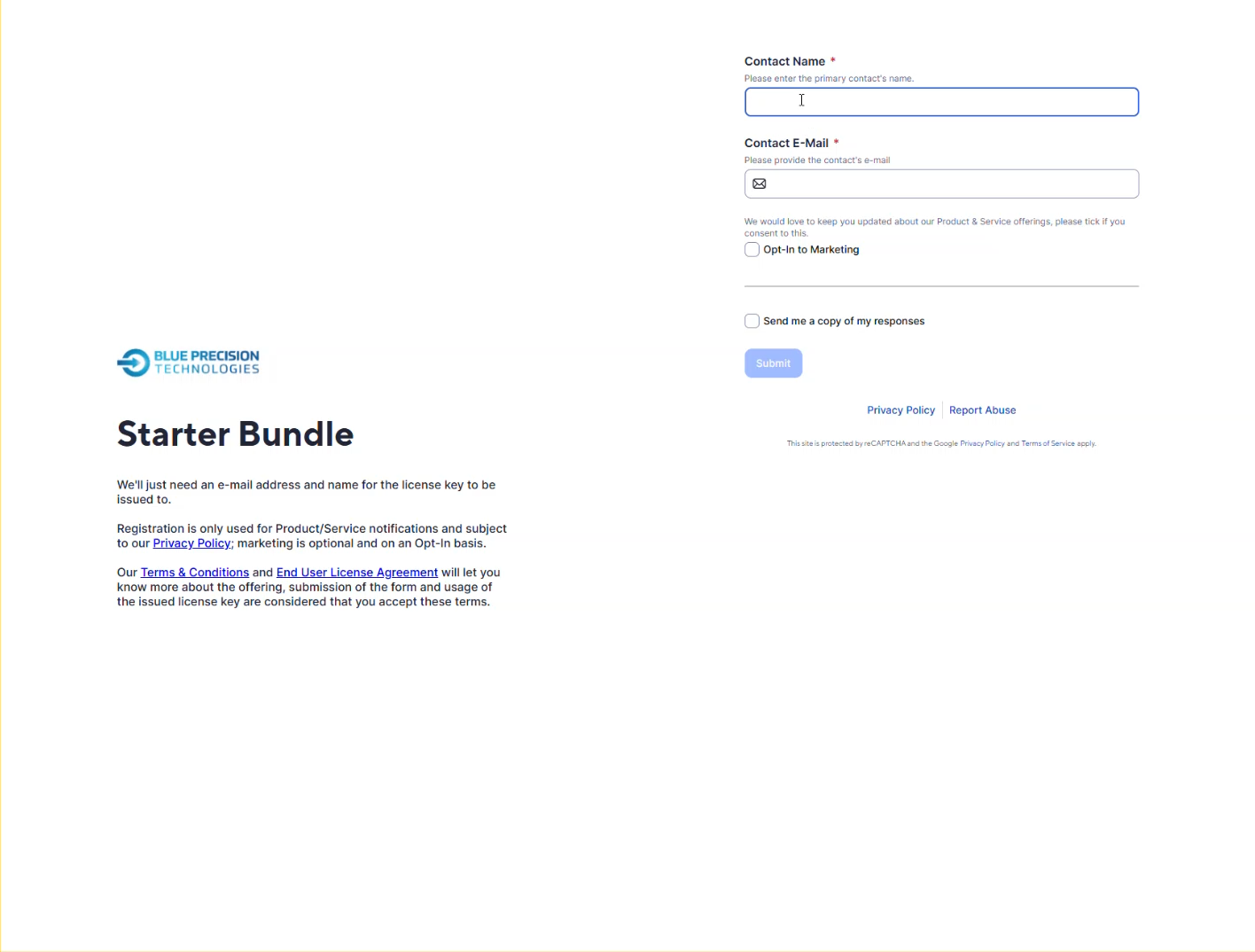
Once filled in with your Name, Email, and opt-in marketing, you will receive an email with the License Key.
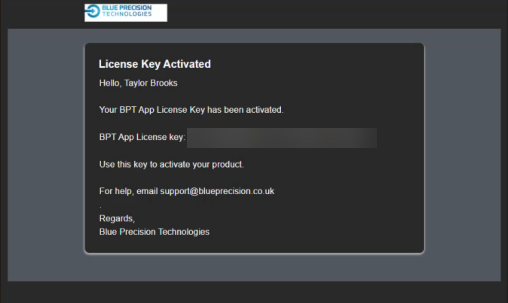
- If you selected the Starter bundle:
After obtaining the License Key, enter it into the connection form in the Make Scenario, along with any other required connection details ,to then allow you to activate the license
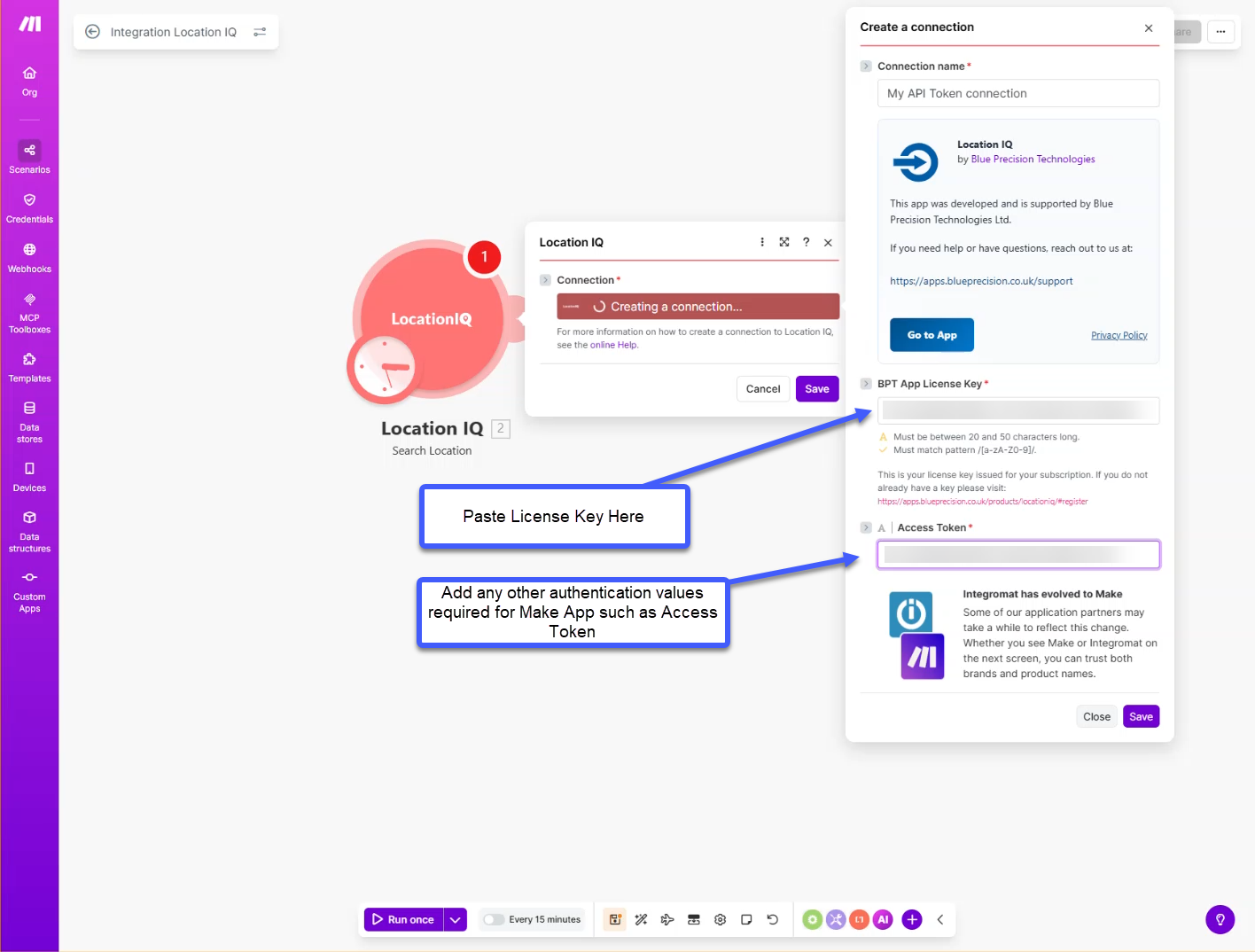
A window will open up once you Save the connection
After the window closes, the Make app opens, allowing you to use the Apps Modules for your scenarios.
If you encounter issues with this process, contact support@blueprecision.co.uk .